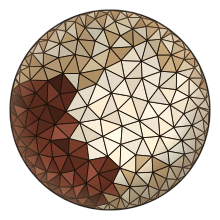
Start from rough.
Set the gear, mast angle and depth, press Cut, and the stone is actually sliced. Symmetry and meetpoint chaining do the bookkeeping.
Ashby, one tier at a time.
An octagon designed in five tiers, from rough to render.
What Design mode gives you.
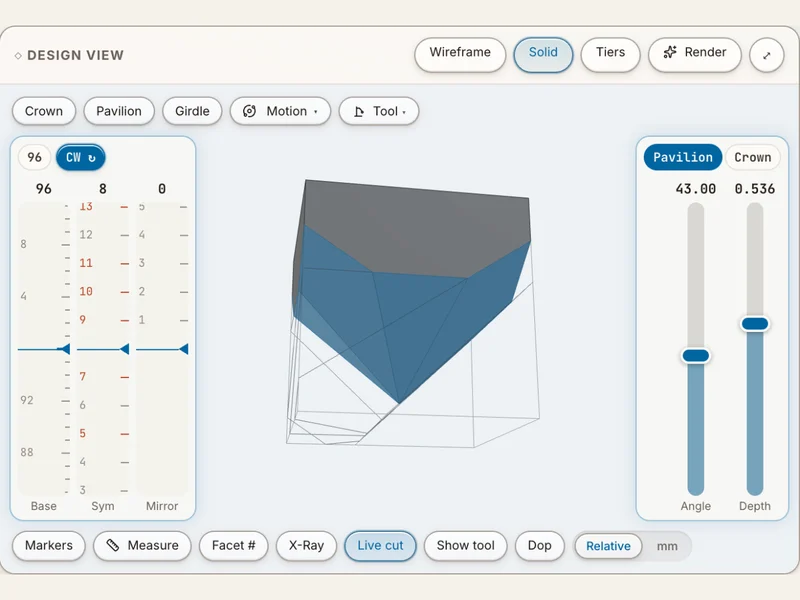
Live cut preview
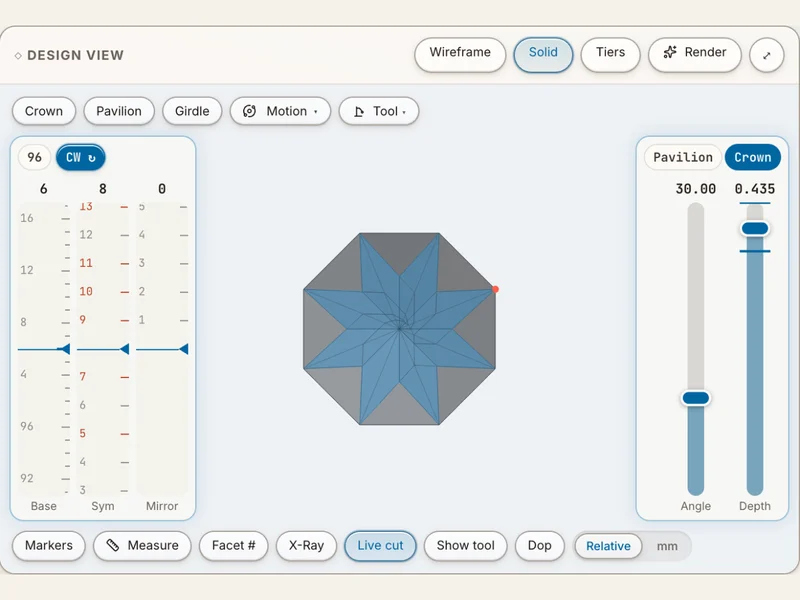
Jump to the meetpoint
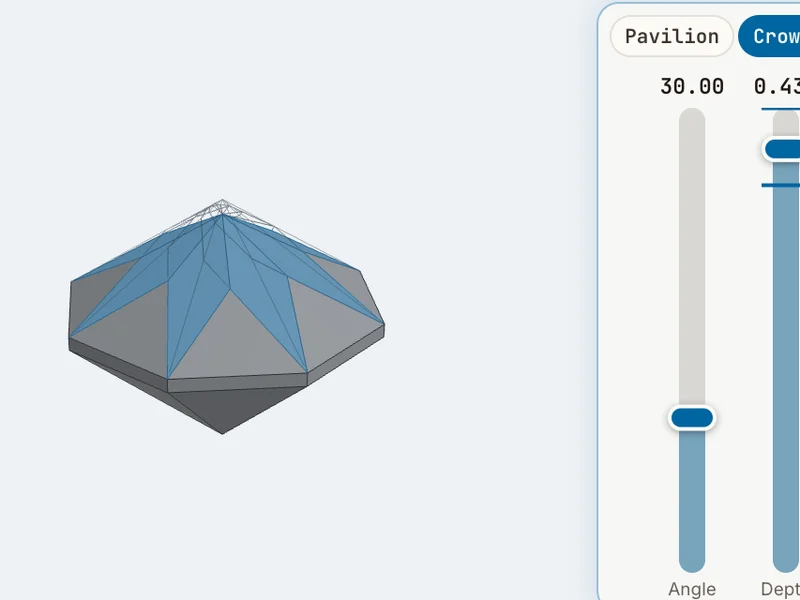
Meet lock
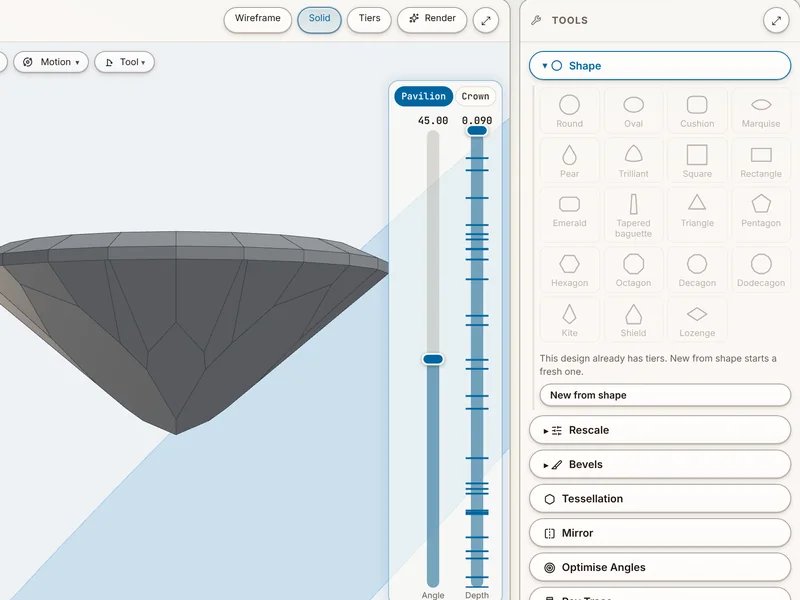
Start from a shape
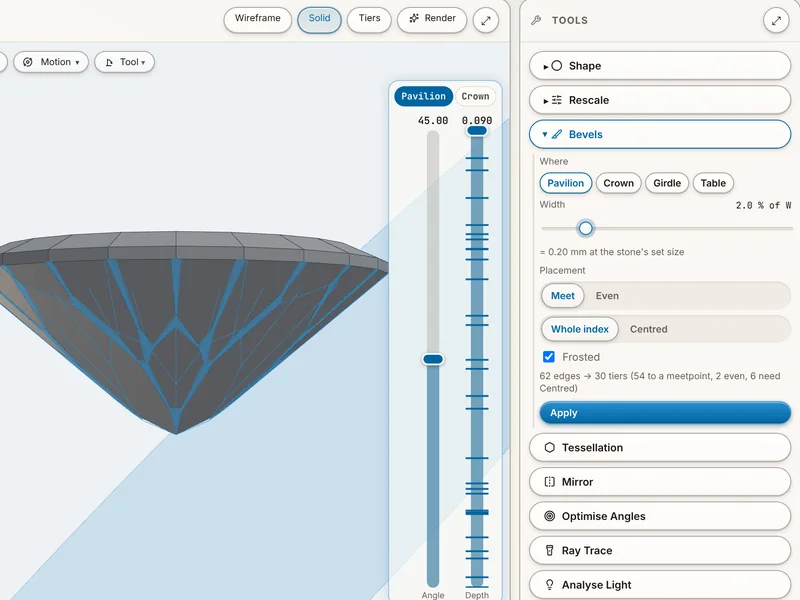
Bevels and frosting
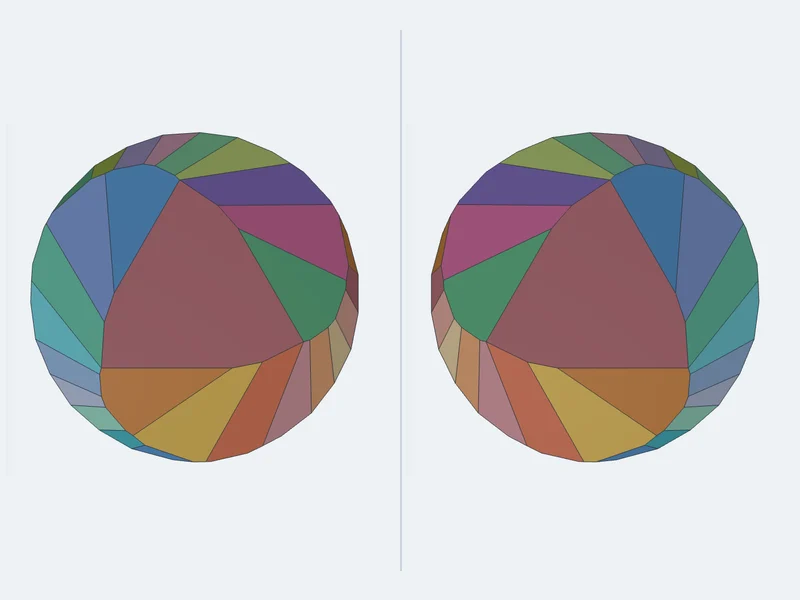
Mirror
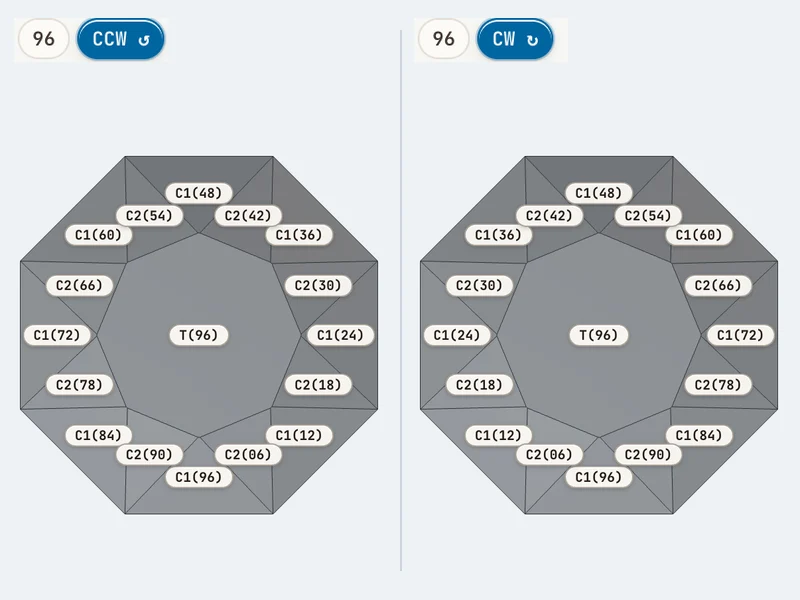
CW or CCW indexing
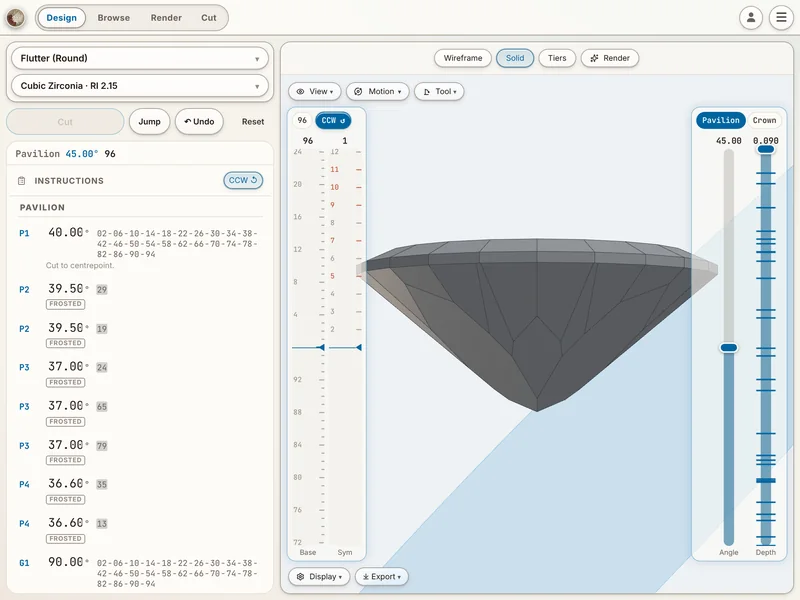
Works on a tablet or phone
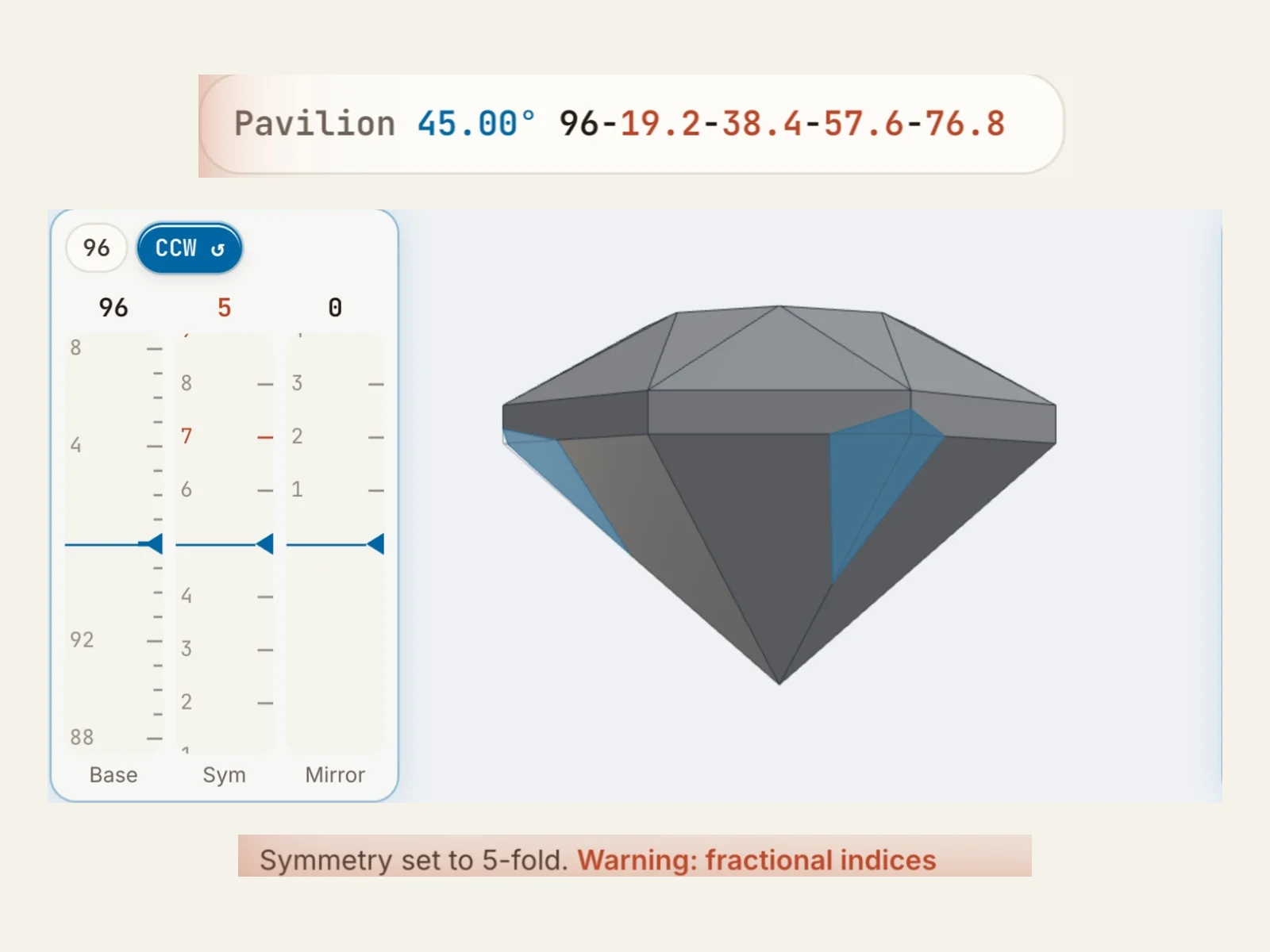
Fractional index warning
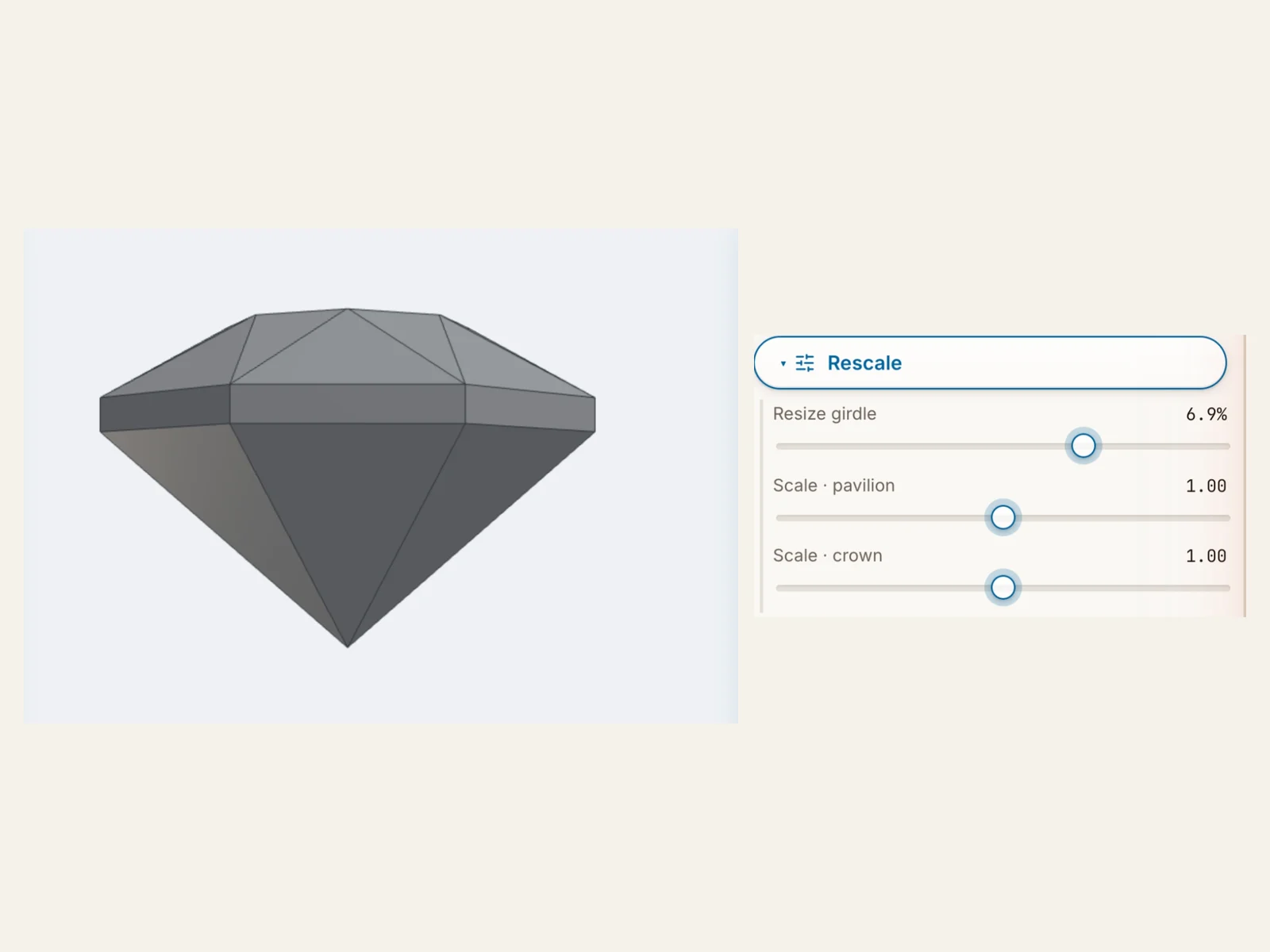
Resize girdle
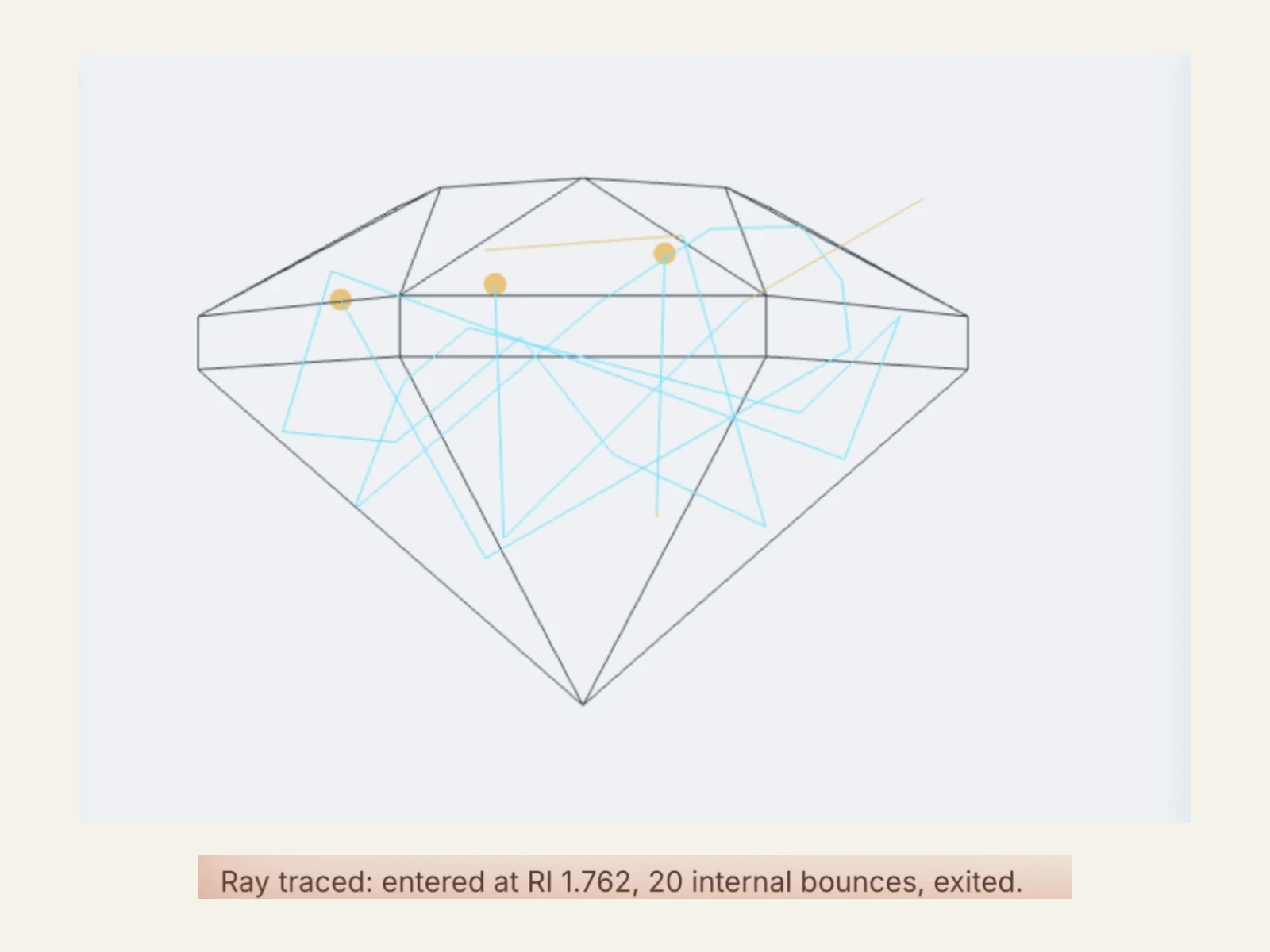
Ray trace
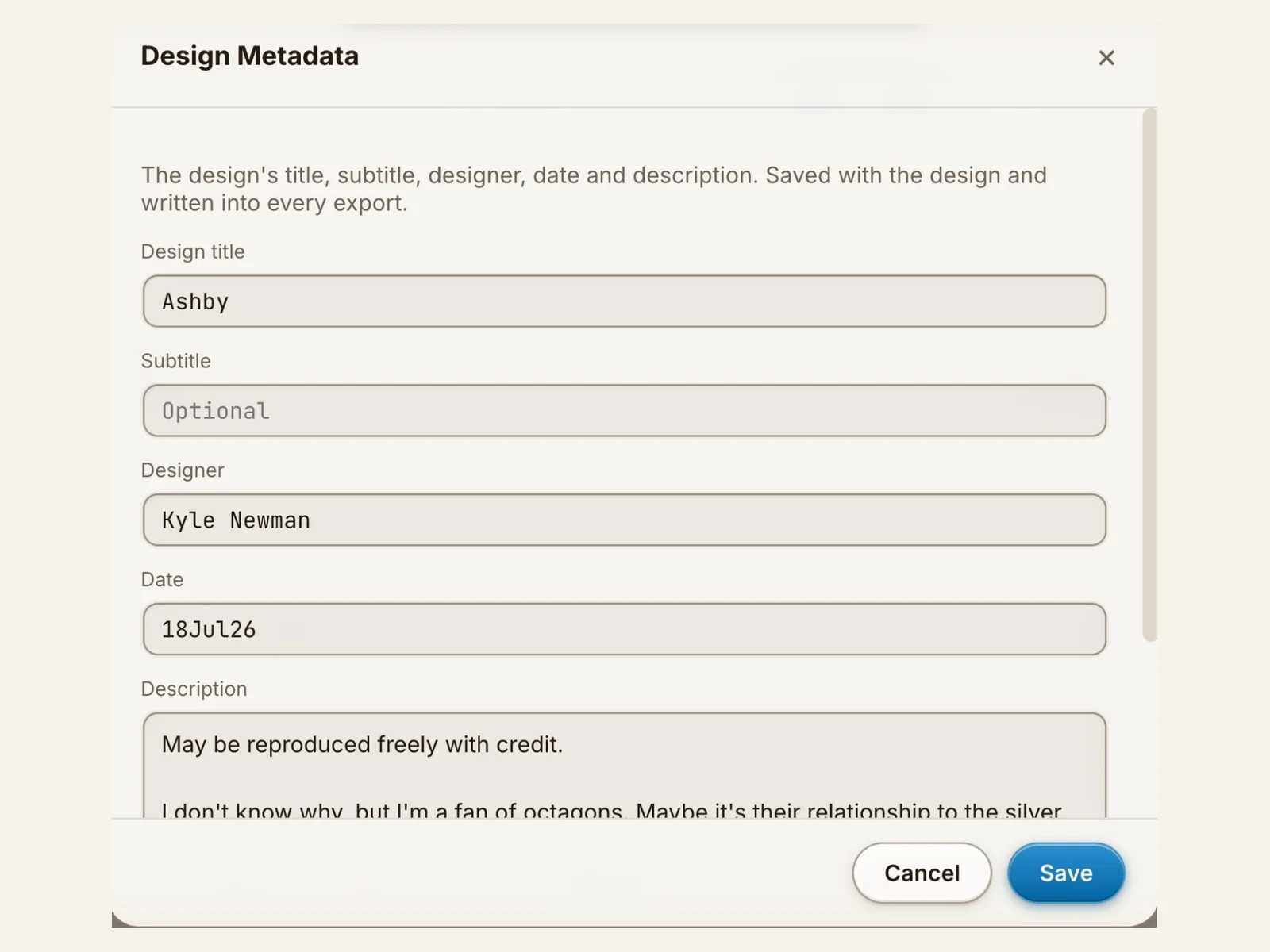
Design metadata
Prove the design before you cut it.
Light return, fire and tilt, measured tier by tier, by tracing real rays through the real geometry.
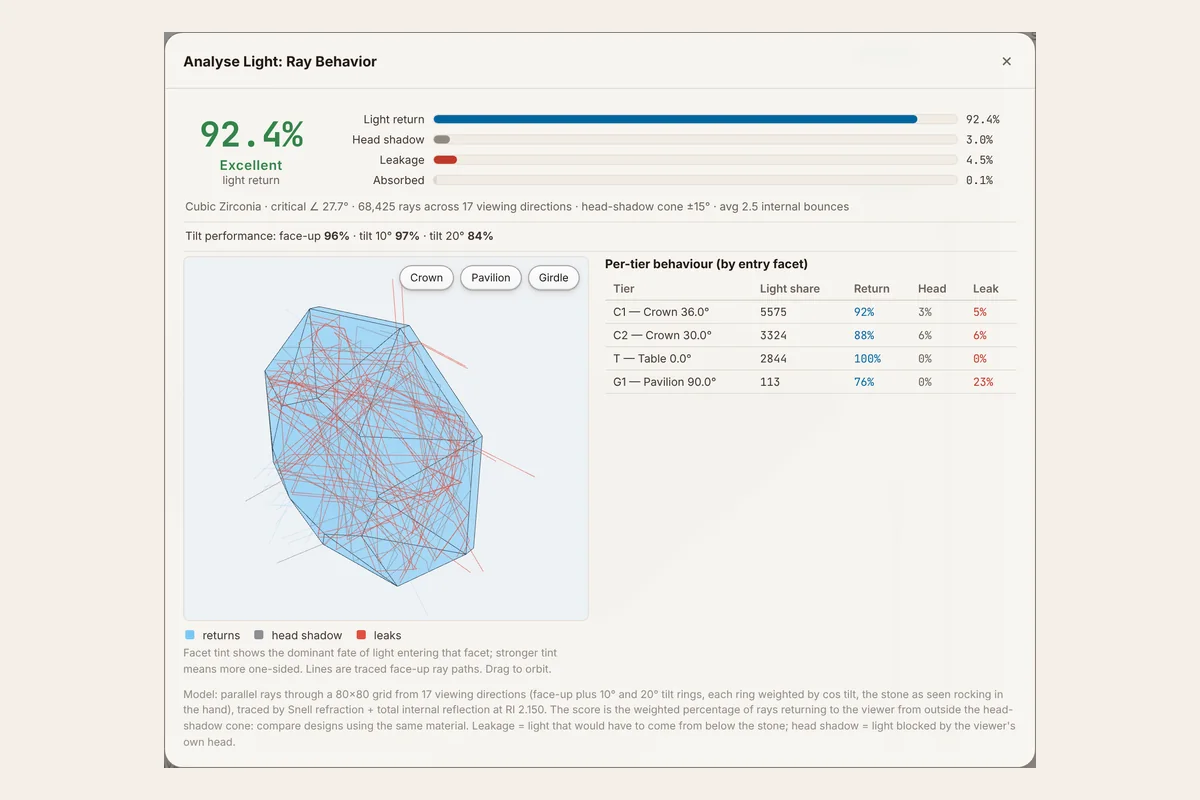
Light return
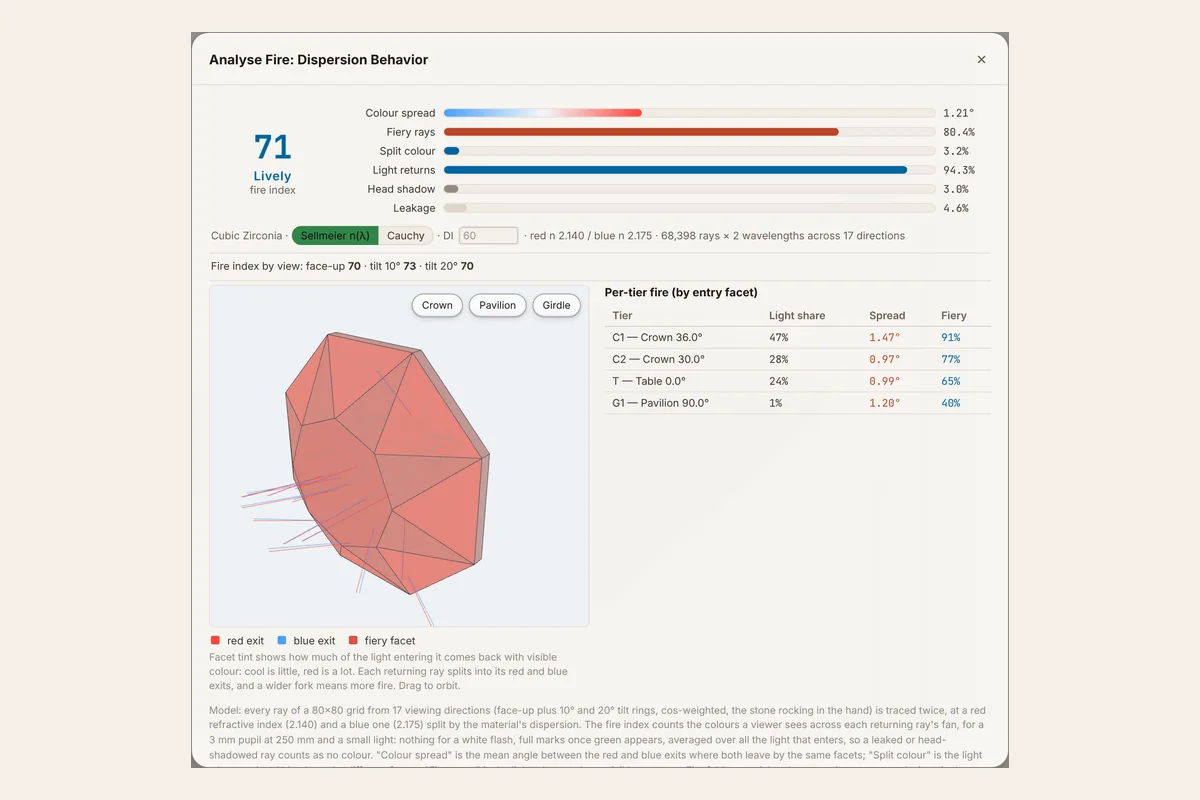
Fire
Every pair of main angles, side by side.
Map your design across a range of pavilion and crown main angles. Each cell is the same design at a different pair of angles, drawn face up and scored for brightness, contrast, window and tilt. Pin the cells you like, compare them, and apply one to the design.
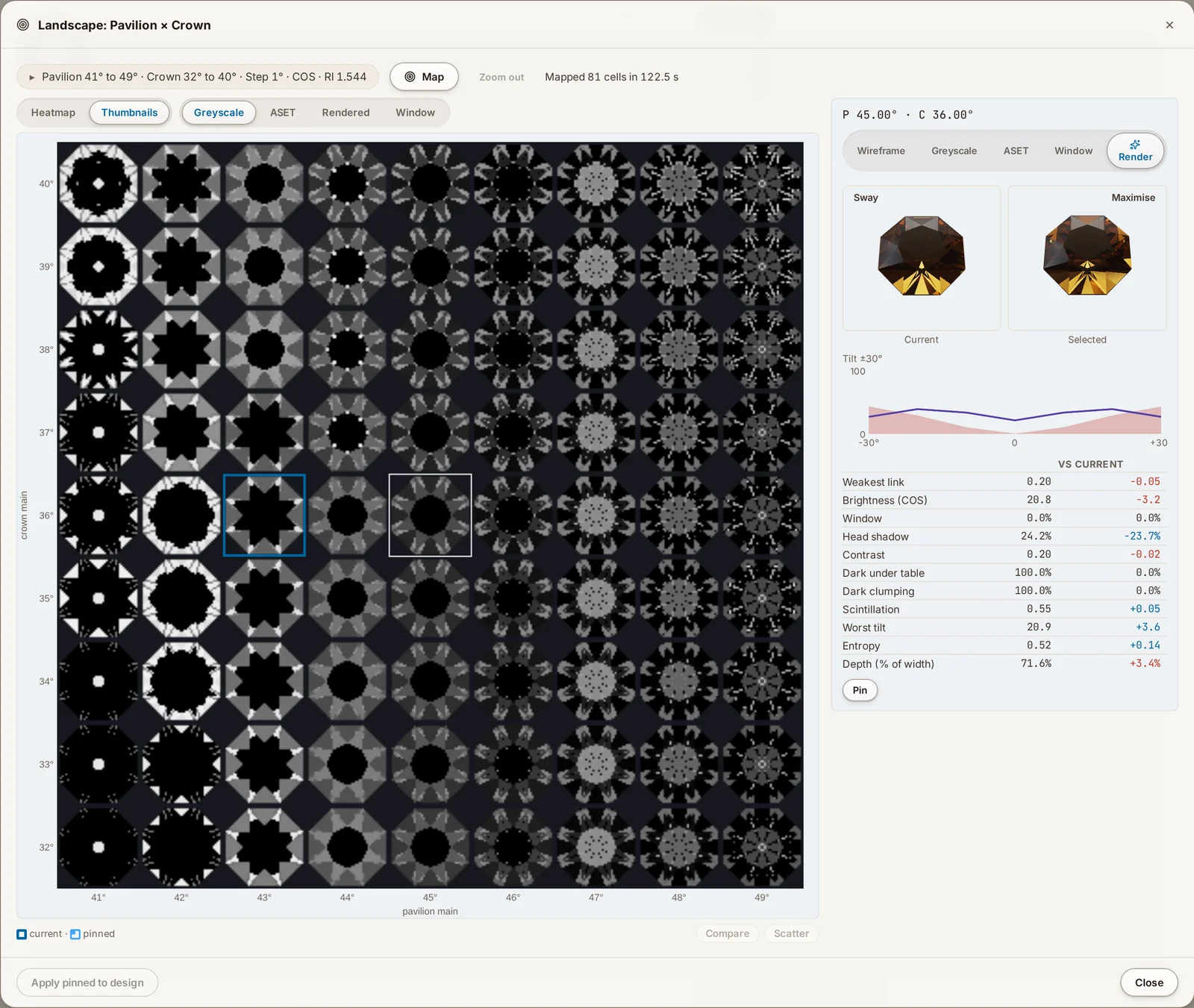
The map
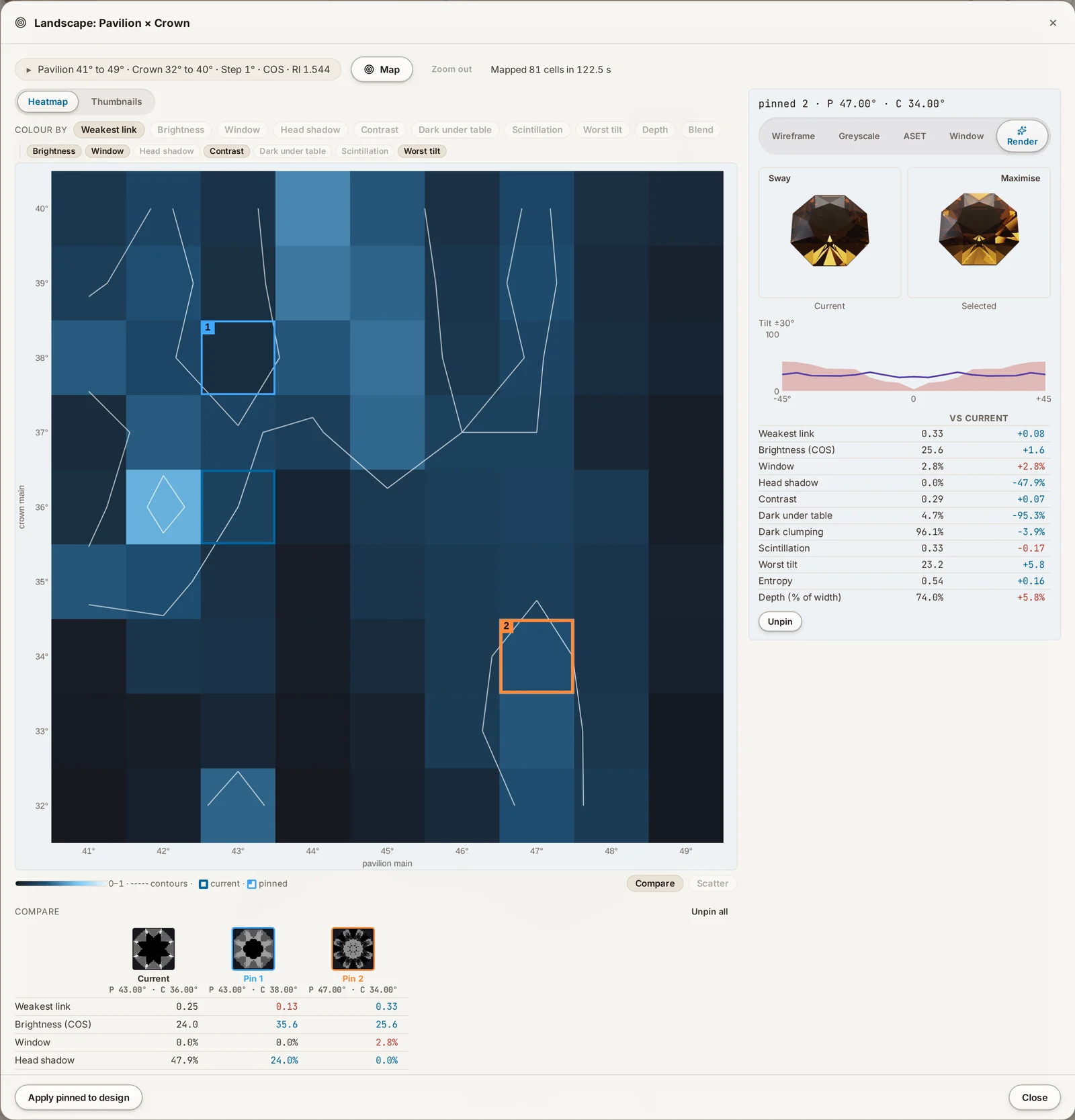
Pin and compare
In Roman myth Pluto ruled the underworld, and with it every precious thing buried beneath the earth: the metals and gemstones hidden in the dark.
Unearthed is bringing them up into the light: a studio for cutting and discovering gems.
Open the studio.
Open the studio and start cutting. Create a free account any time to keep your own designs.