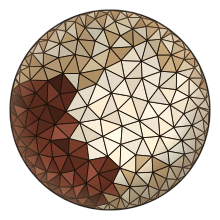
Render the stone where it will be seen.
Pluto traces the stone in its own material, on a plain backdrop or in an outdoor place. Drag the stone, or drag the place around it.
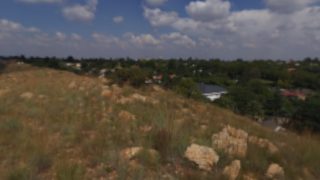
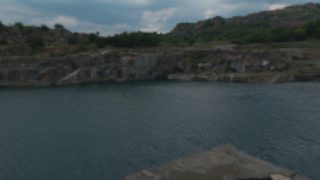
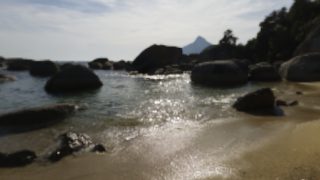
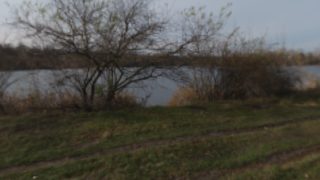
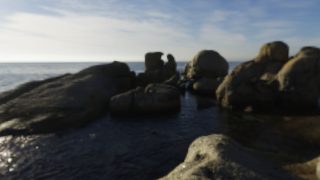
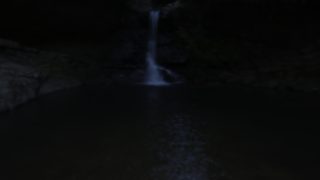
50 places to put a stone.
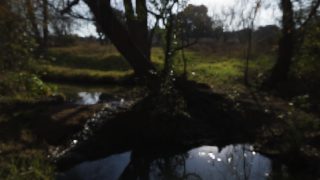
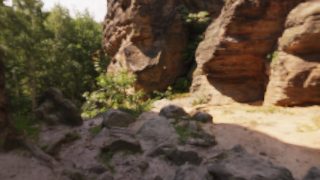
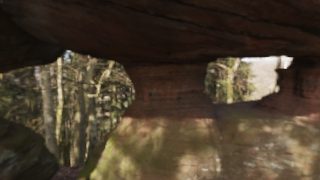
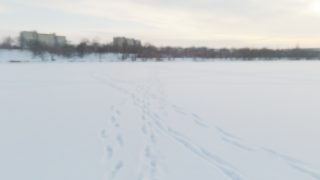
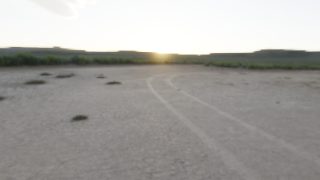
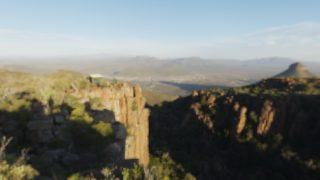
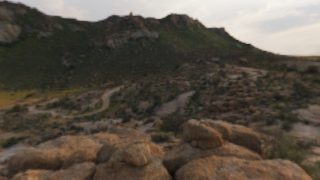
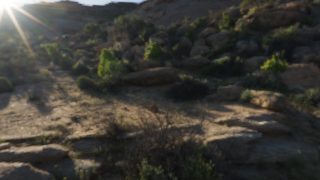
Choose Environment as the backdrop in Render or Browse. Drag environment turns the place instead of the stone.
Skies
Water

Rock and caves
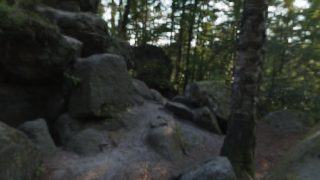
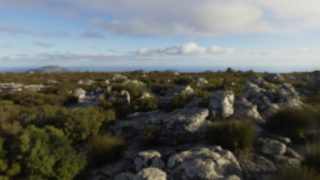
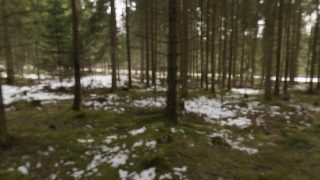
Trees
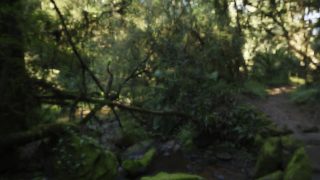
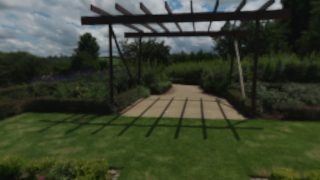
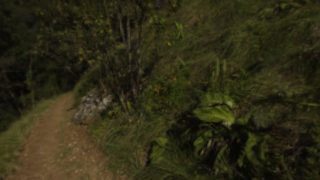
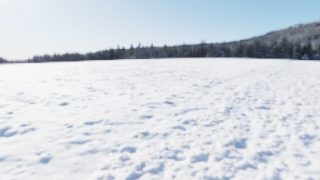
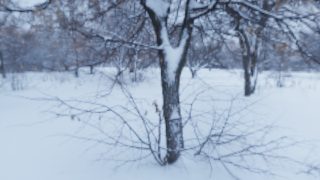
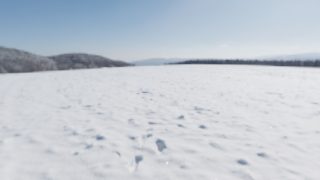
Snow
Desert
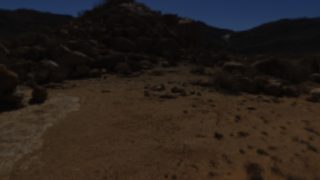
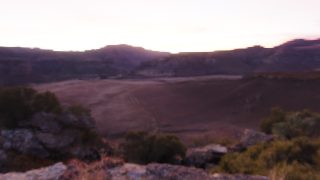
Night
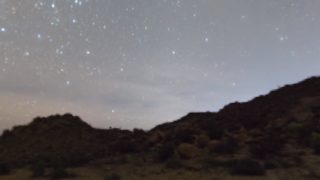
Space
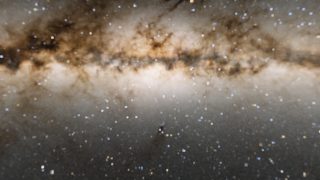
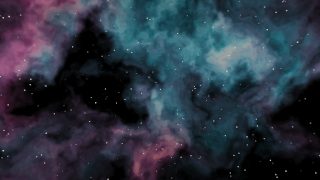
Photographed 360° skies and places from Poly Haven, CC0 · Space from NASA's Scientific Visualization Studio
Frosting diffuser.
Frosted facets rendered at 600 or 1200 grit. The grits are approximations.
Off
Frosted facets are drawn without the diffuser.
600 grit
Flutter's wings were cut at 600.
1200 grit
Sturt's Desert Rose was cut at 1200.


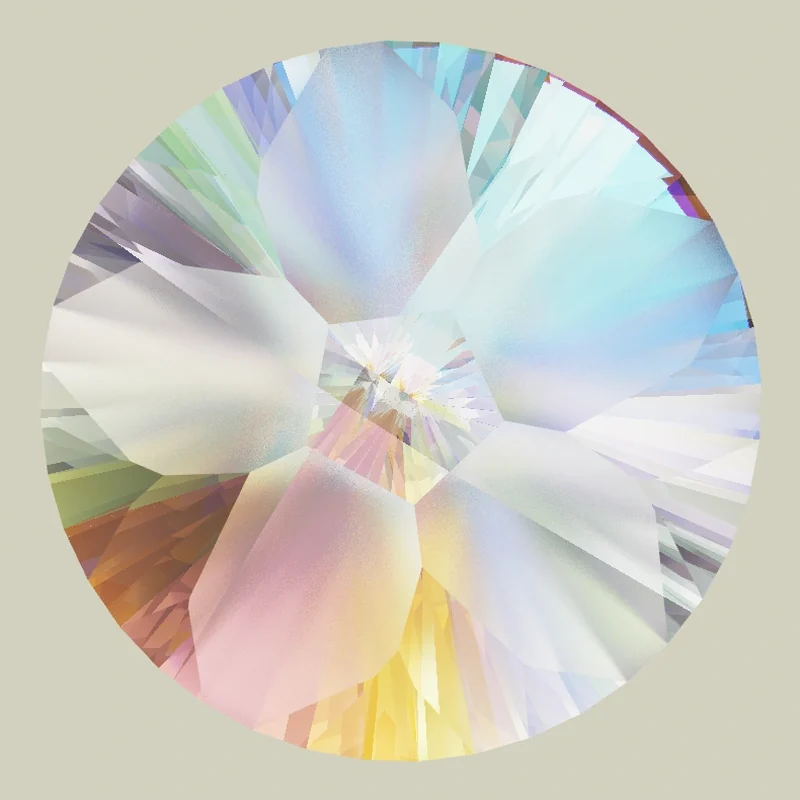
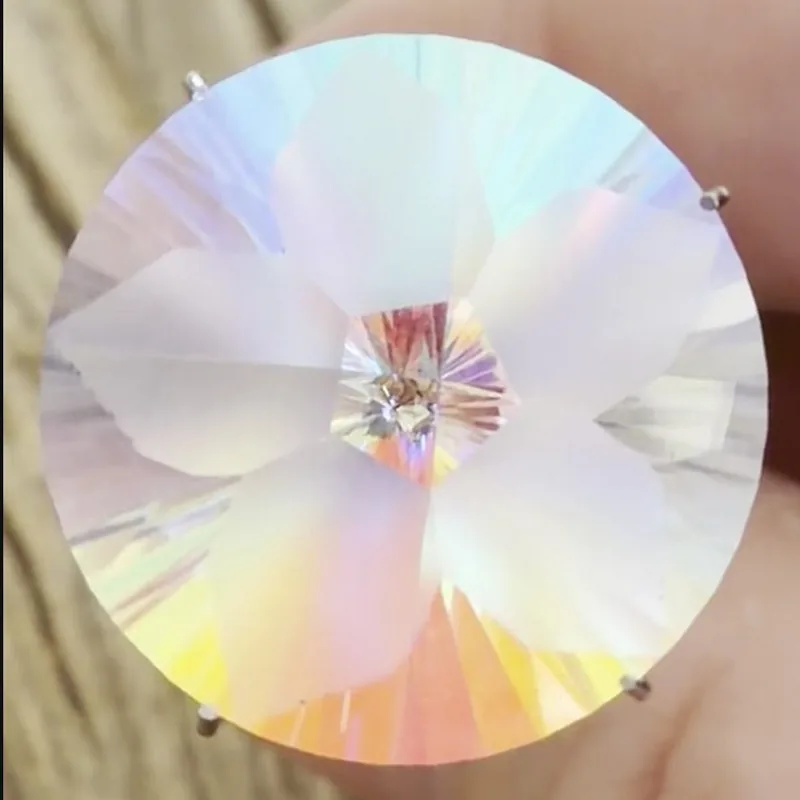
Windowing.
What light passing straight through the stone shows.
Natural
The studio, dark like shadow.
Transparent
The backdrop behind the stone.
Colour
A set colour to show leakage; choose one that contrasts with the stone.
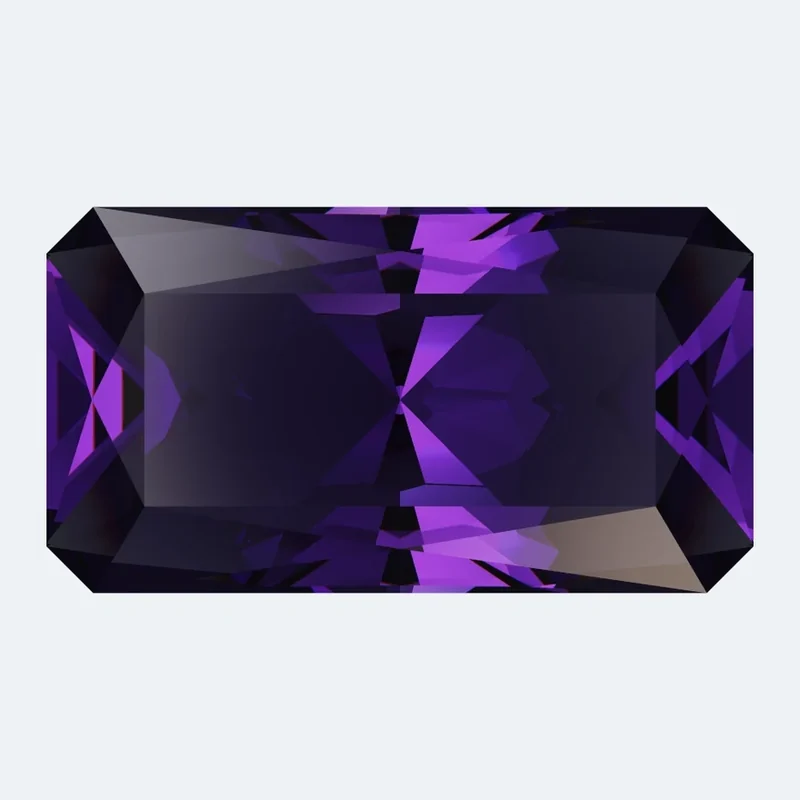
Natural
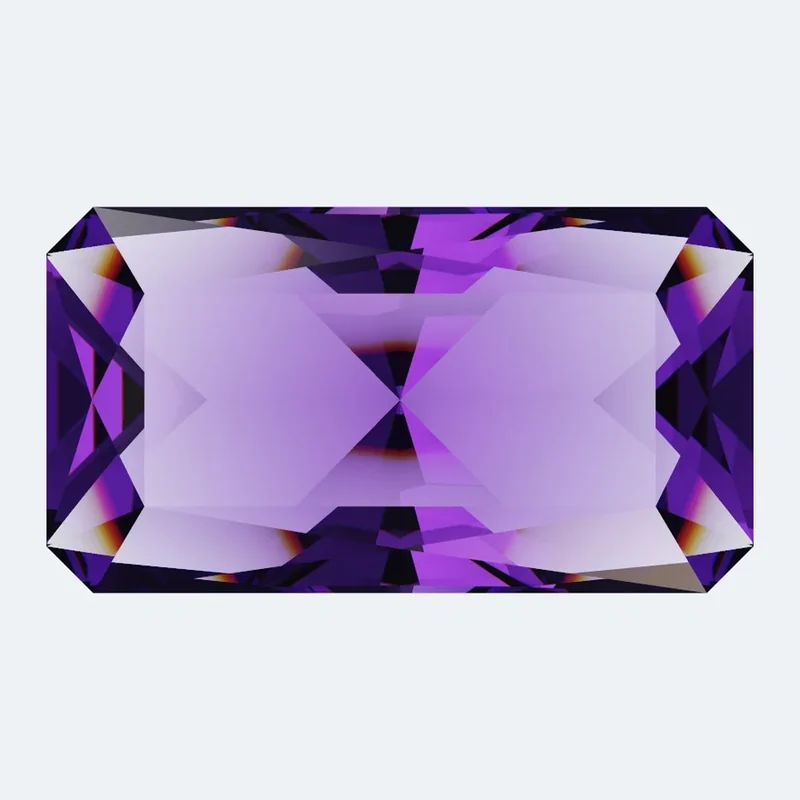
Transparent
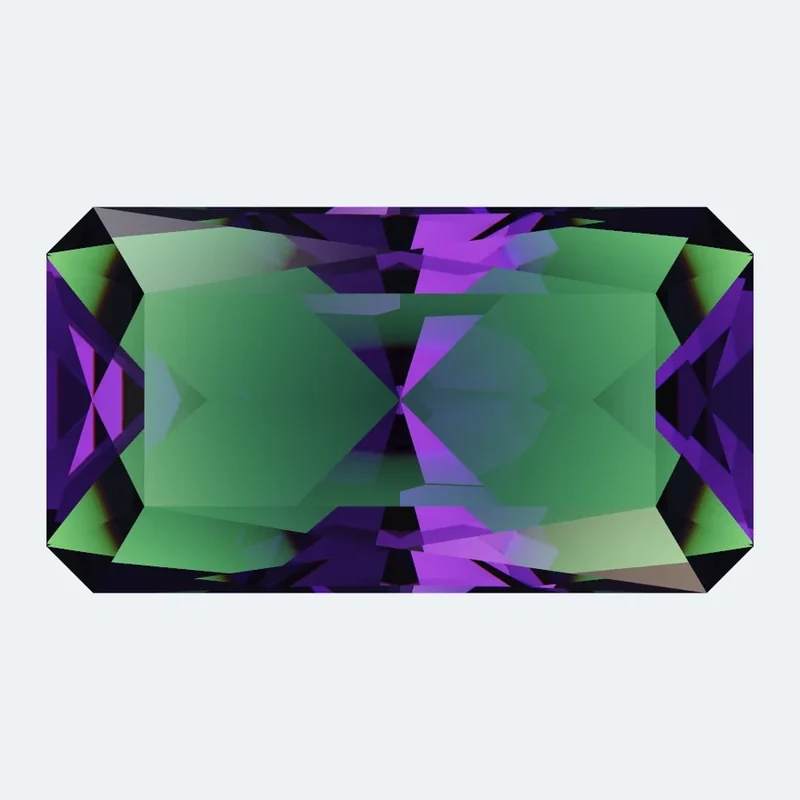
Colour
Rendered by Pluto's own raytracer.
High-definition mode. Studio or neutral light, spotlights, mirror base and box, spectral bands, ray bounces, Sellmeier dispersion: every parameter is yours to set.
Each design credited to its designer · imported, then rendered by Pluto's own raytracer · studio light, turntable
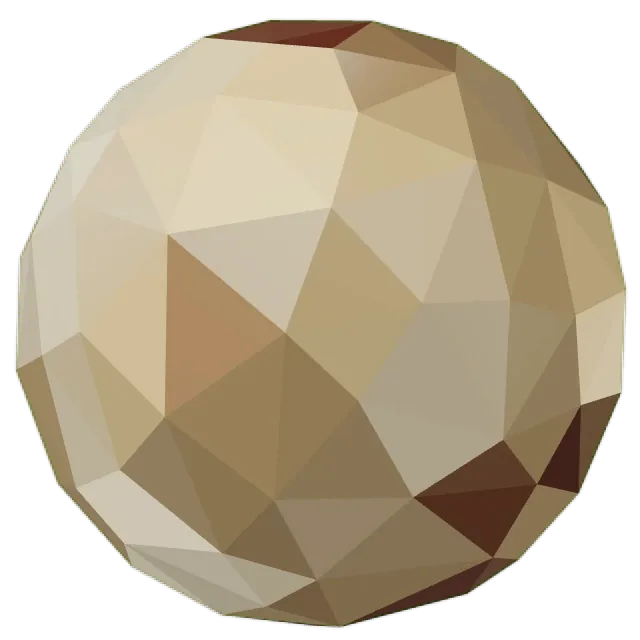
In Roman myth Pluto ruled the underworld, and with it every precious thing buried beneath the earth: the metals and gemstones hidden in the dark.
Unearthed is bringing them up into the light: a studio for cutting and discovering gems.
Open the studio.
Open the studio and start cutting. Create a free account any time to keep your own designs.